
About memy stats
Information About me
Kevin Kipchumba Kipkosgei is a passionate software developer and problem solver with a strong foundation in Python and JavaScript, along with their frameworks and libraries. He enjoys building impactful projects ranging from e-commerce platforms (like Kaboiyo Hardware), to social platforms (like Kapcha), and practical tools such as an Expense Tracker app. Kevin’s journey has been shaped by curiosity, resilience, and creativity. He started his enthusiasm at Moringa in 2024 to sharpen his tech expertise. Beyond coding, Kevin is an innovator, basketball enthusiast, and tech explorer, always eager to learn and create solutions that improve everyday life.
15+
Projects
Completed
2+
Years of
experience
9+
Happy
Clients
12+
Customer
reviews
My Skills
My Timeline
2025 - present
Student - Catholic university of Eastern Africa
I continued my journey at CUEA, where I polished my skills and leveled up my coding game. It wasn’t just about mastering Python, JavaScript, or frameworks — it was about learning how to debug without crying, turning “why won’t this work?!” into “aha, got it!”, and building projects that are actually useful (and don’t crash when your dog walks past the keyboard).
2024 - 2024
Student - Moringa School
Back in 2024, I joined Moringa School, and honestly, that’s where it all started — my wild ride into the world of code. Before that, I thought “syntax error” was some sort of grammar police. At Moringa, I quickly learned that missing a semicolon could ruin your entire day, and that coffee really does compile faster than code sometimes. But more importantly, it’s where my development and tech enthusiasm was born. From building my very first “Hello World” project to breaking (and fixing!) countless apps, Moringa taught me how to think like a developer, work with a team, and stay curious. It wasn’t just about learning Python, JavaScript, and frameworks — it was about realizing that tech is the perfect playground for solving problems and creating things that actually matter. Now, whenever I sit down to code, I remember that spark from Moringa — the moment I went from “huh, this is kinda cool” to “okay, I’m definitely a techie now.”
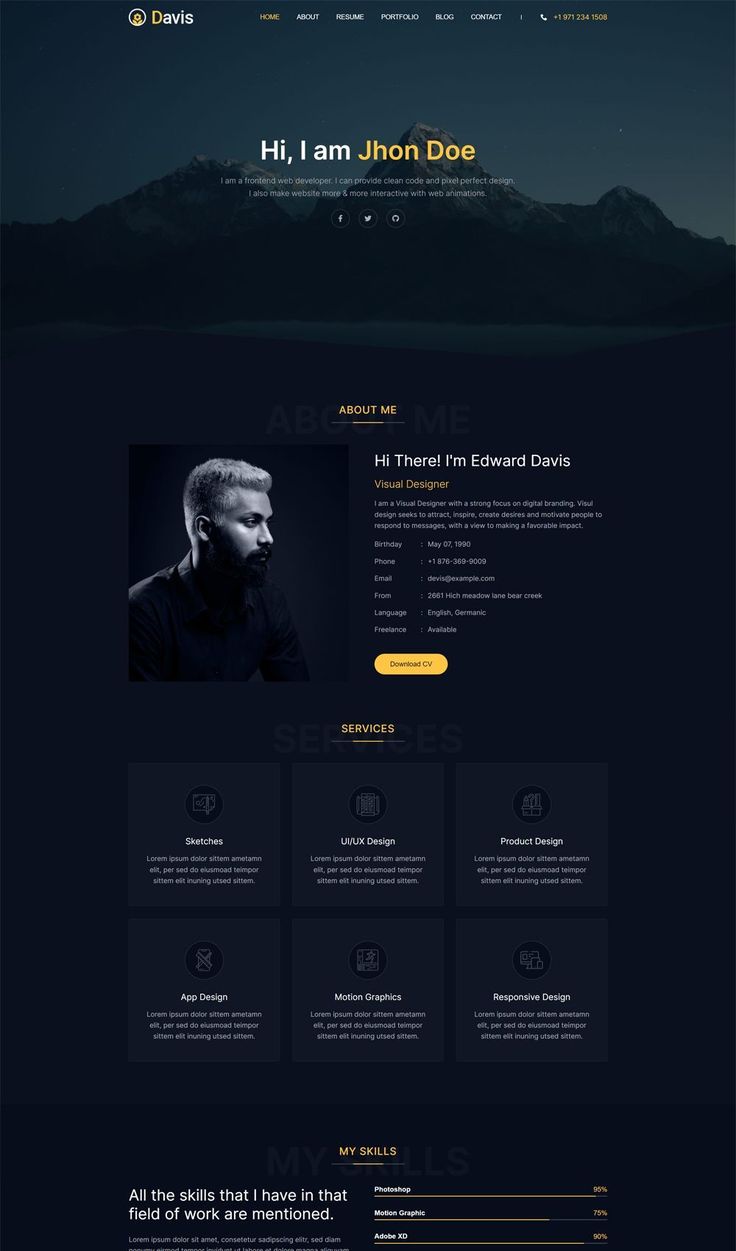
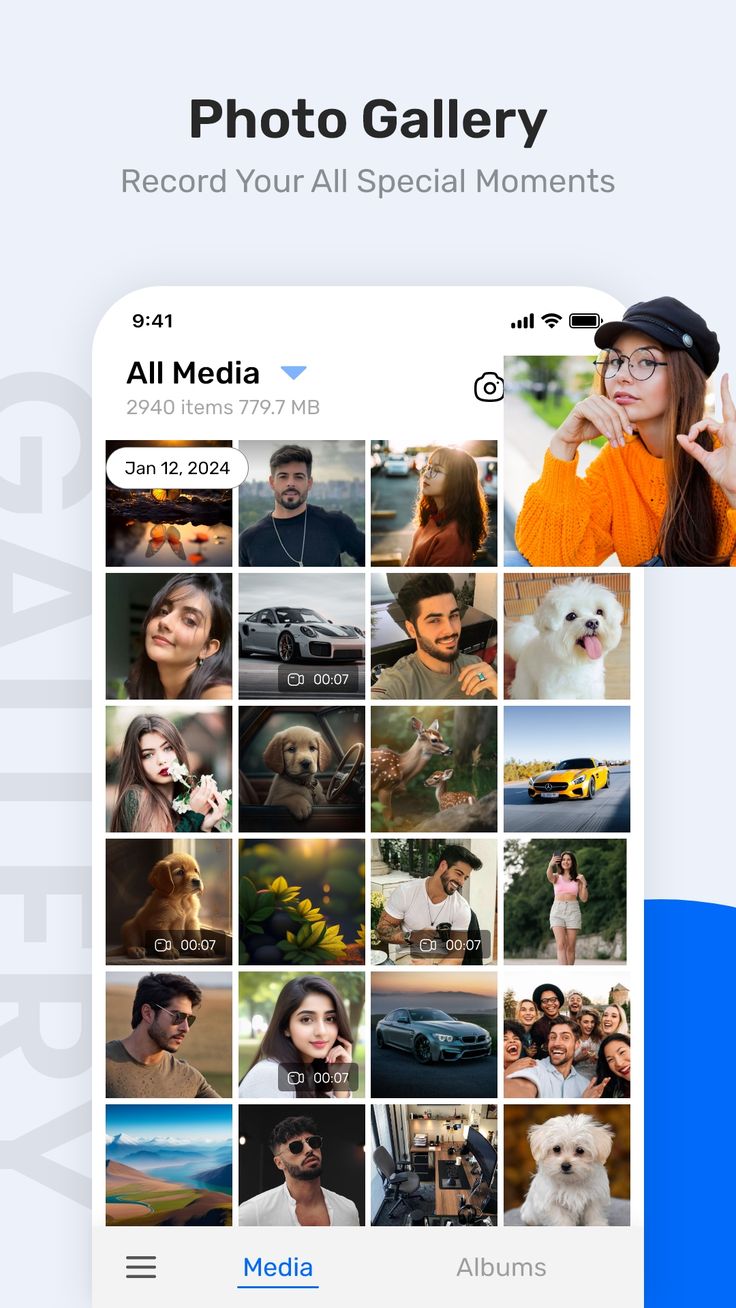
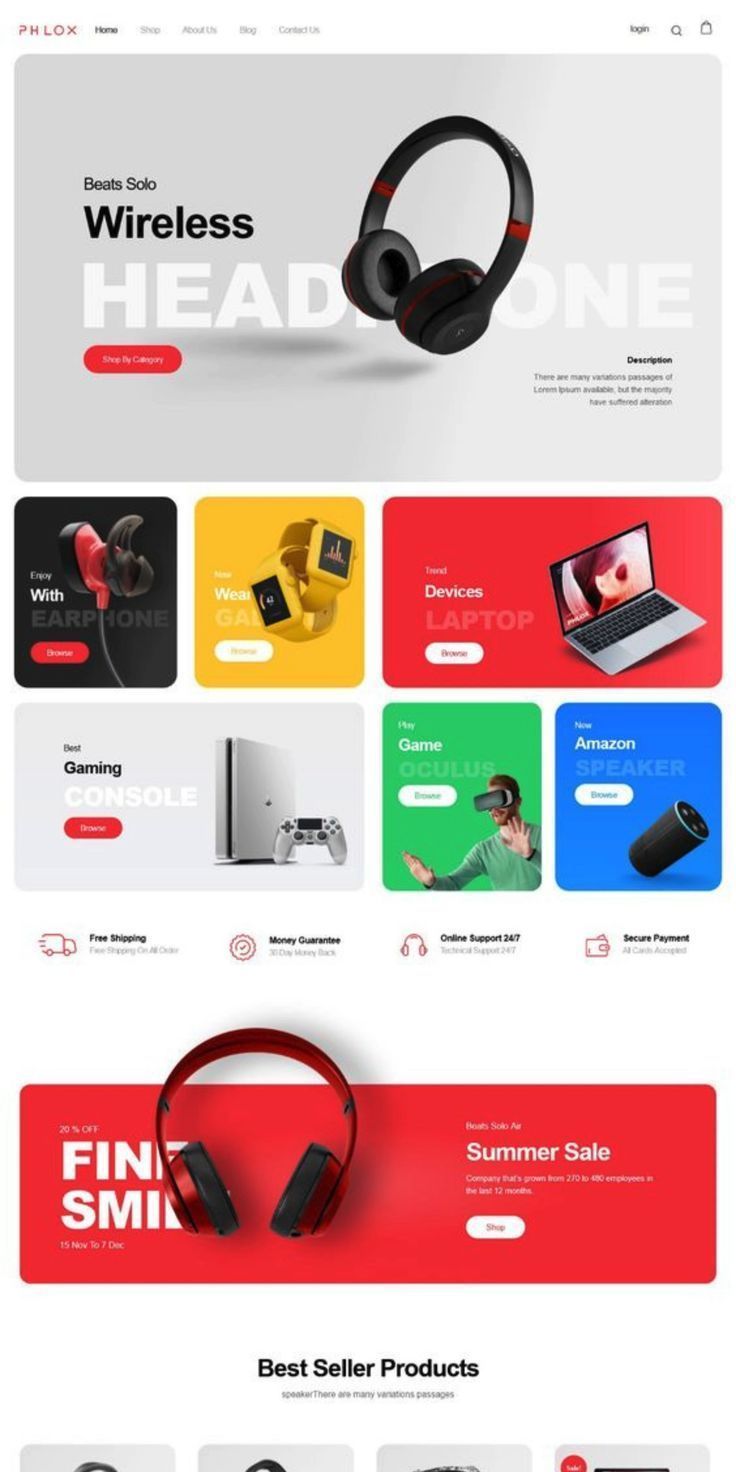
My PortfolioMy Work
Here is some of my work that I've done in various programming languages.

My BlogsMy Blogs

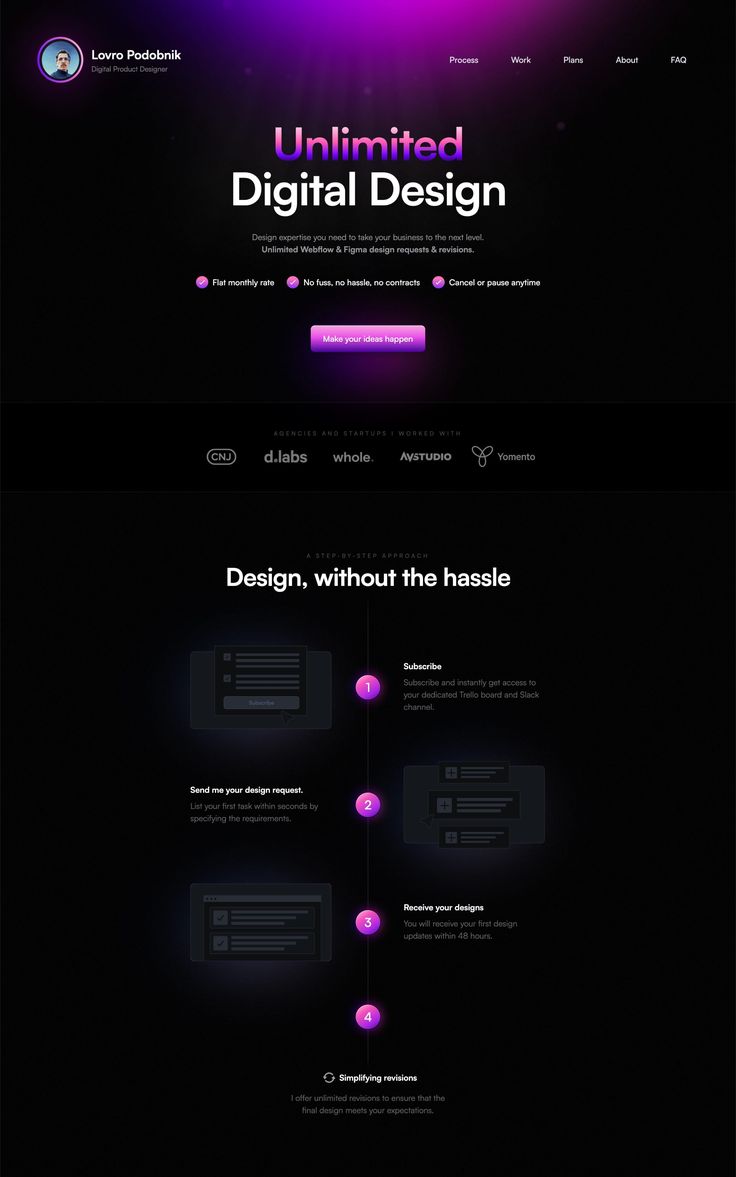
How to Create Your Own Website
Creating your own website might sound complicated, but in today’s digital age, it’s easier than ever to bring your ideas online. Whether you want a personal blog, a business page, or a portfolio to showcase your skills, having a website is like owning your own space on the internet. The process may seem overwhelming at first, but once you break it down into simple steps, it becomes clear and achievable. The first step is deciding the purpose of your website. Ask yourself: Why do I want this site? Is it to share your work, sell products, write blogs, or simply showcase who you are? Having a clear purpose will guide the entire process, from the design to the content you create. Next, you’ll need a domain name — this is your website’s address (like www.yourname.com ). Choose something short, memorable, and relevant to your brand or personal identity. Alongside the domain, you’ll need web hosting, which is like renting space on the internet where your site’s files will live. Many providers, like Bluehost, HostGator, or SiteGround, offer affordable hosting plans for beginners. Once your domain and hosting are ready, it’s time to design your site. You can go two ways: use a website builder like WordPress, Wix, or Squarespace if you prefer drag-and-drop simplicity, or dive into coding with HTML, CSS, and JavaScript if you want full control. For beginners, website builders are often the fastest way to get started, but learning the basics of coding gives you more flexibility in the long run. The heart of your website lies in content. Write clear and engaging text, use high-quality images, and keep your design simple. Visitors should immediately understand who you are and what you offer. Create a homepage that grabs attention, an about page to introduce yourself, a contact page for communication, and any extra sections (like a blog or shop) that fit your purpose. Don’t forget about responsiveness and speed. Your site should look good on desktops, tablets, and smartphones. Optimize your images, minimize unnecessary plugins, and test your site’s speed with tools like Google PageSpeed Insights. A slow website can drive visitors away. Finally, hit publish and share your site with the world. But the journey doesn’t stop there — update your content regularly, improve your design, and keep learning. A great website grows with time, reflecting your goals and evolving as you do. In short, creating your own website is about combining purpose, design, and content into a platform that represents you or your brand. With the right tools and a little creativity, anyone can go from idea to live website in just a few days.
How to Become an Expert in Web Design
Becoming an expert in web design is less about rushing through tutorials and more about building a combination of technical skills, creativity, and user-centered thinking over time. Web design is a craft that balances aesthetics with functionality, and mastery comes from practice, patience, and constant learning. If you’re aiming to reach expert level, here’s the journey you need to embrace. First, master the fundamentals. Every great designer starts with the basics — HTML, CSS, and JavaScript. These are the building blocks of the web, and a true expert understands them inside out. Beyond simply writing code, learn how these technologies work together to create structure, style, and interactivity. Pair this with a solid understanding of design principles like color theory, typography, white space, contrast, and alignment. It’s not enough for a website to work; it has to feel good to use and look professional. Next, develop a strong sense of user experience (UX). Experts don’t just design for themselves — they design for real people. Learn to think from the perspective of the user: What do they need? How fast can they find it? Is the navigation simple? Is the design accessible to people with disabilities? UX is about empathy, and the more you practice it, the more your designs will resonate. Another key to expertise is staying updated with tools and trends. The web evolves constantly, with new frameworks, libraries, and design tools appearing every year. Get comfortable with modern design tools like Figma, Sketch, or Adobe XD, which help you prototype and collaborate. Explore frontend frameworks like React or Vue to make your designs more dynamic. Keep an eye on design trends — minimalist layouts, dark mode, bold typography, or micro-interactions — but don’t just copy them blindly. The expert’s skill lies in knowing when to follow a trend and when to create something timeless. Then comes practice and projects. Theory alone won’t make you an expert. You need to build — and keep building. Start with small websites, then move on to more complex projects like e-commerce stores, dashboards, or interactive portfolios. Each project should challenge you with new problems and force you to apply what you’ve learned. As your portfolio grows, so will your confidence and credibility. Finally, never stop learning and improving. The best web designers are lifelong learners. Read blogs, follow design communities, watch tutorials, and learn from other designers. Seek feedback, critique your own work, and don’t be afraid to redo something until it feels right. Experts know that design is not a one-time act but an ongoing process of testing, refining, and evolving. In short, becoming an expert in web design is about blending technical mastery, design sense, user empathy, and a growth mindset. It won’t happen overnight, but with dedication, practice, and curiosity, you’ll not only design beautiful websites — you’ll create digital experiences that truly make an impact.
Become a Web Designer in 10 Days
Become a Web Designer in 10 Days might sound like a wild promise, but with focus, structure, and consistency, you can absolutely build a strong foundation in web design within that short span of time. The trick isn’t about becoming an expert overnight, but rather about breaking down the journey into manageable steps, practicing daily, and creating something tangible at the end of it. Day one can be all about understanding what web design actually means — learning the difference between design and development, exploring tools of the trade, and getting comfortable with the basic terms like “frontend,” “UI,” and “UX.” From there, you dive into HTML and CSS, which form the backbone of every website. Within a couple of days, you’ll already be structuring simple pages, styling text, adding images, and experimenting with layouts. As you progress, you’ll start learning about responsive design, grids, and flexbox — essential for making websites look clean and consistent across mobile devices, tablets, and desktops. By the midpoint of your journey, the focus shifts toward design principles: color theory, typography, spacing, and hierarchy, all of which play a huge role in making websites visually appealing and professional. You’ll also get to understand how UI design complements web design, by learning how buttons, forms, and navigation should feel intuitive for users. In the second half of the journey, things get more hands-on. You’ll explore the browser’s Web Inspector tools to debug and refine your code in real time. You’ll also pick up some JavaScript basics to make your pages interactive, adding small but powerful touches like dropdown menus, sliders, and form validation. Around day seven or eight, it’s time to dive into tools like Figma, Canva, or Adobe XD for creating mockups and wireframes, which help you visualize and plan websites before you start coding them. You’ll then combine everything you’ve learned by building small projects — a simple landing page, a portfolio website, or even a basic blog layout. By the last couple of days, the focus should be on polishing: testing your designs on different devices, improving accessibility by adding alt text and readable contrast, and ensuring your navigation is smooth and user-friendly. Finally, you’ll wrap up the 10 days by reflecting on your progress, putting together your mini projects into a portfolio, and setting goals for your continued journey as a designer.

Debbuging made easy with Web Inspector
Debugging made easy with Web Inspector starts with understanding that every modern browser comes equipped with powerful developer tools designed to help you peek under the hood of any website. The Web Inspector (often opened with a simple right-click → “Inspect” or pressing F12) allows you to view and edit HTML, tweak CSS in real-time, monitor network requests, and even debug JavaScript step by step. Instead of endlessly guessing what went wrong in your code, you can see errors highlighted, elements rendered, and changes applied instantly. It’s like having X-ray vision for your website — showing you exactly how your code behaves in the browser. For beginners, it might look intimidating at first, but once you get comfortable, it becomes an essential tool that saves hours of trial and error, making debugging not just manageable, but actually enjoyable.
Get started with Web Design and UI Design
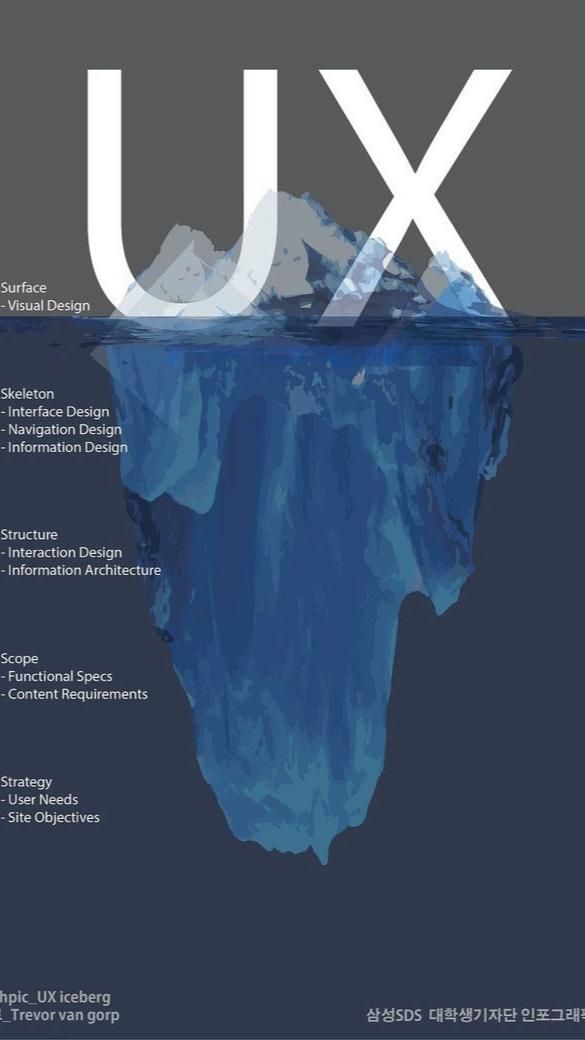
Get started with Web Design and UI Design by first recognizing that they go hand in hand in shaping the digital world around us. Web design is the broader process of creating websites that are not only visually appealing but also functional, responsive, and user-friendly. It brings together layout, color schemes, typography, and structure to make a site look professional while ensuring it performs well across devices. On the other hand, UI (User Interface) design focuses more specifically on the elements users interact with — the buttons, menus, forms, icons, and navigation that guide people through a website or app. A well-crafted UI ensures that users don’t just visit a site but actually enjoy the process of exploring it. When combined, web design and UI design become powerful tools: one sets the stage, the other makes the performance smooth and engaging. If you’re new to this field, the best way to start is by learning the fundamentals of design principles, practicing with real projects, and paying attention to user experience. The beauty of design lies in its balance — blending creativity, usability, and technology to deliver online experiences that leave a lasting impression.

This is what you need to know about Web Design
First Impressions Count A website is like a handshake. Visitors decide within seconds if they’ll stay. Clean layouts, good colors, and readable fonts help keep them engaged. Keep it Simple Simplicity always wins. Don’t overload your site with too much text, animations, or random buttons. Clear navigation makes users comfortable. Mobile-First Design Most people browse on their phones. A responsive design ensures your site looks good on all screen sizes, from desktops to smartphones. Speed is Key No one waits forever for a page to load. Optimize your images, trim unnecessary code, and choose reliable hosting to keep things fast. Content is King Great visuals attract people, but quality content makes them stay. Blogs, descriptions, or product details should be clear and engaging. Consistency Matters Stick to a theme — same colors, fonts, and button styles across the site. This builds trust and makes navigation feel natural. Accessibility is Important A good site works for everyone, including people with disabilities. Use alt text for images, clear contrast, and keyboard-friendly navigation. Test and Improve Web design is never done. Test how users interact with your site, gather feedback, and make changes where needed.
Contact MeContact
Contact me here
Need a developer, a problem solver, or just someone who knows the difference between Python the language and the snake? You’ve found the right guy — let’s talk!
: Eldoret, Kenya
: kevinke386@gmail.com
: Moringa School
: +254721202555
: Swahili, English